Tables zone
On the right side of the Datamart Studio screen,
- If there are no existing extra tables linked to the selected profile table, this lack of table will be notified by the following message:

- If existing tables are linked to the selected profile table, there will be a block for each extra connected table.
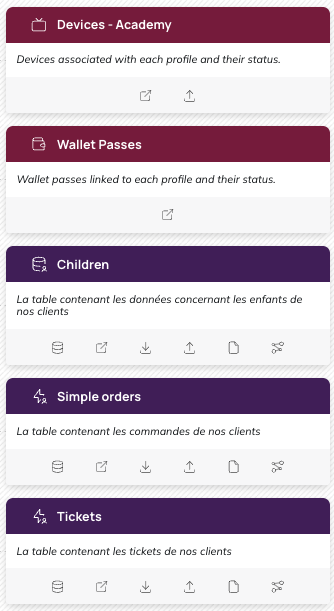
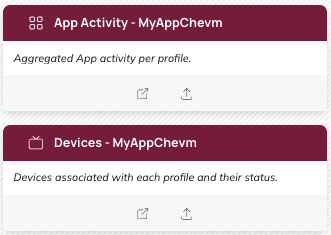
- In the case where an Actito app has been created, the App Activity and Devices tables will be shown here
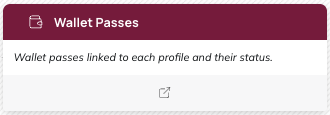
- In the case where a pass template linked to the profile table has been created, the Wallet Passes table will be shown here
Understanding custom & devices tables
See the Custom tables and Mobile tables chapters for an overview about custom and mobile tables.
Viewing the data
In order to view the list of all fields included in these tables, you will need to open them. Simply click on the small arrow to the left of the title and the icon of the table.
Shortcuts
 | Tables data structure |
 | Tables data |
 | Imports |
 | Exports |
 | GDPR registry (General Data Protection Regulation) |