SMS credits
In order to launch an SMS campaign, you need to ensure that your license has sufficient SMS credits. These credits are used to deliver your messages to audience.
To add SMS credit in your licence, we invite you to contact the Actito support or your account manager.
View your SMS credits
Actito makes it easy to monitor your SMS credits at any time via different methods:
- Via the "View SMS Credits" button in the SMS Campaigns module
- At each step of the campaign creation process,
- In "My consumption" menu
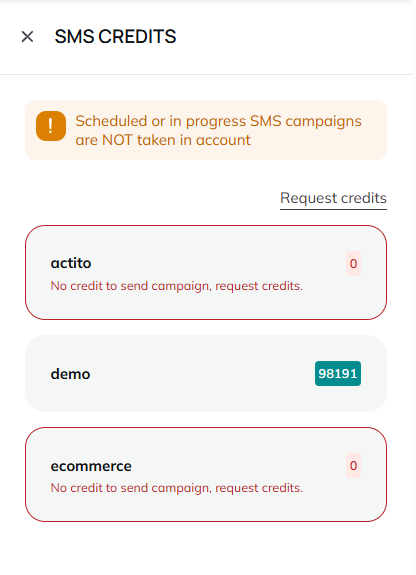
When you are in the SMS campaigns module, click on the "View SMS Credits" button.

A side panel will open on the left of your screen allowing to see the remaining credits you have by entity. From this menu, you can also request credits via a dedicated form sent to the Actito support.
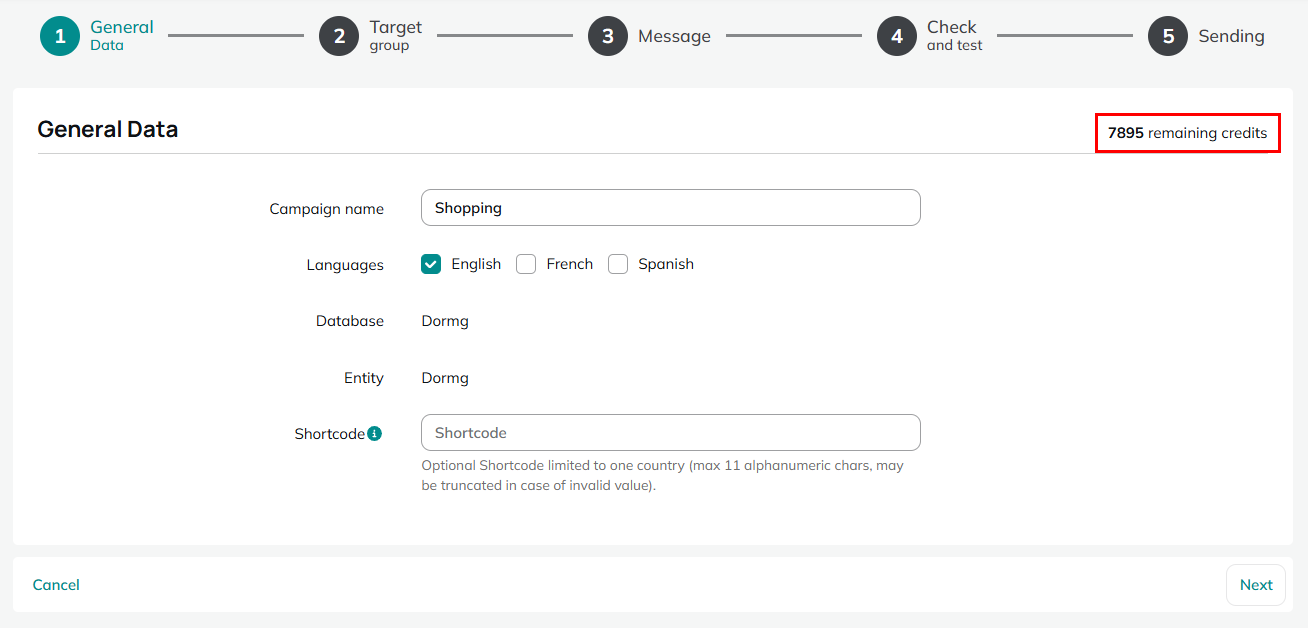
When creating a campaign, your remaining SMS credits are displayed at all steps, as soon as you select an entity at step 1.
The remaining SMS credit for your licence (all entities combined) is also to be found in the My consumption menu:
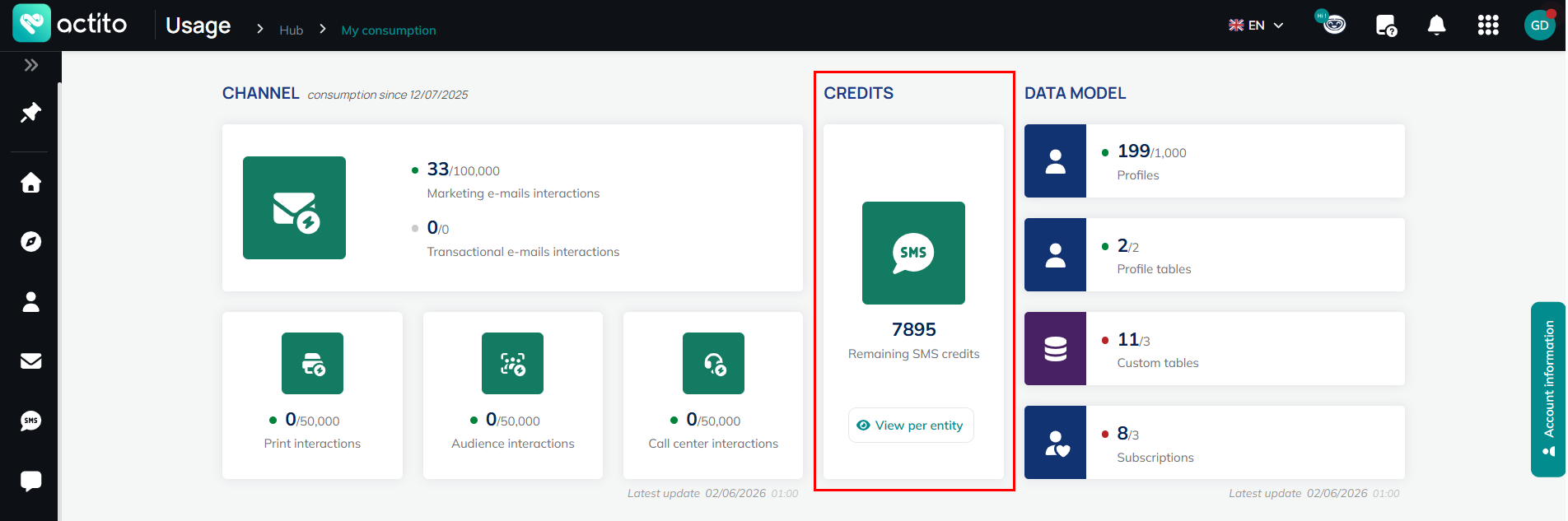
By clicking on the "View per entity" button, a panel will open on the left of your screen allowing to see the remaining credits per entity. From this menu, you can also request credits via a dedicated form to the support
The cost of a test SMS is the normal rate. Your SMS credit will also be debited for a test message.
Monitor your credit
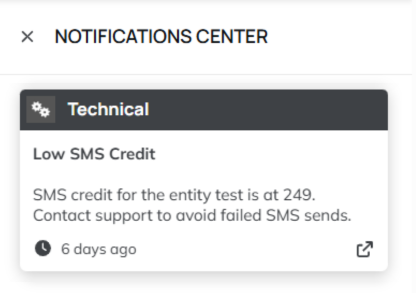
To monitor your SMS usage, administrator of the license can set up an alert for each entity, visible for all users, for when your credit reaches a specific threshold.
To set a threshold and the alert, simply click on "Low credits alert". You can then set the SMS credit threshold below which you'd like to receive an alert.
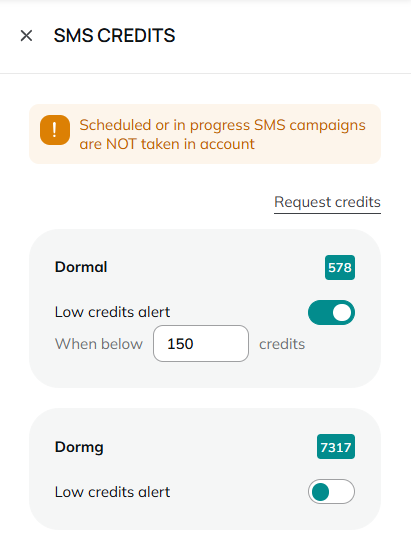
From this menu, every user can also send a request to our customer service team to request credit in just one click.